
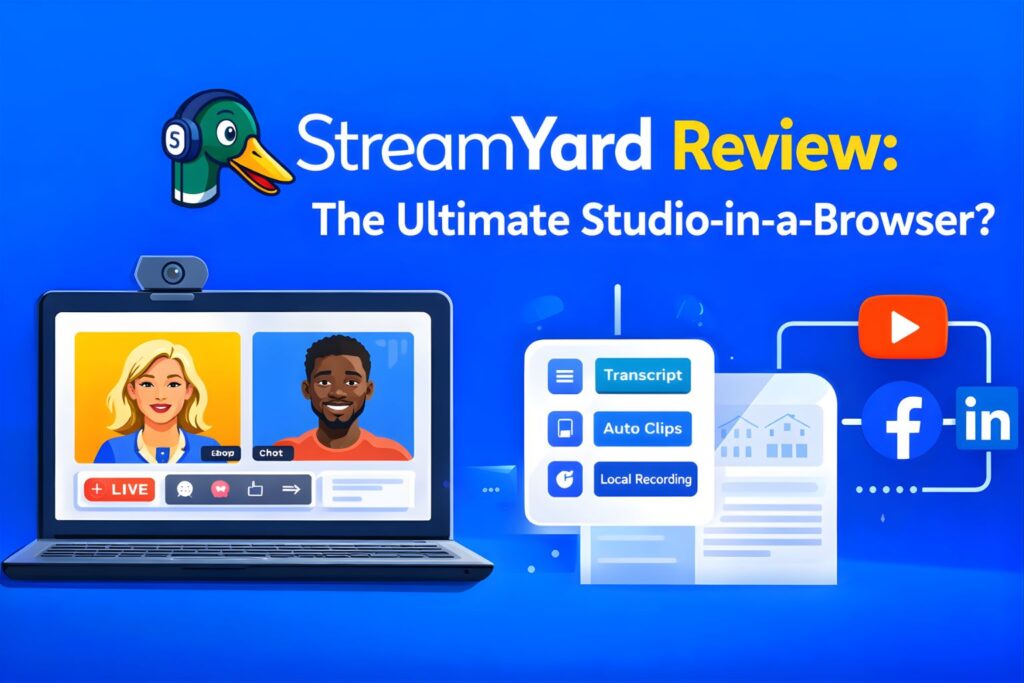
For years, high-end live streaming felt like a barrier reserved only for those with expensive hardware and the technical patience to master complex software like OBS. Then came StreamYard, promising a professional “studio in your browser.”
But in 2026, with the creator economy becoming more competitive than ever, does this browser-based tool still hold its crown against rising rivals? In this comprehensive StreamYard review, we’ll break down the features, pricing, and real-world performance to see if it's the right investment for your brand.
The Bottom Line: StreamYard remains the gold standard for reliability and ease of use. If you prioritize a friction-free experience for your guests and stable local recordings, it is absolutely worth the investment, even as pricing tiers evolve.
What is StreamYard?
StreamYard is a live streaming and recording studio that runs entirely in your web browser. There is nothing to download—no apps for you, and more importantly, no software for your guests.
It serves as a central hub where you can produce a professional show, invite remote guests via a simple link, and broadcast simultaneously to platforms like YouTube, Facebook, LinkedIn, Instagram, and X (Twitter).
Key Features Analysis: What Makes It Tick?
1. The “Zero Friction” Guest Experience
In the world of professional interviews, the biggest hurdle is often the guest's technical ability. StreamYard solves this with its “Three-Click” joining process. Whether your guest is on a MacBook in New York or an iPhone in Los Angeles, they join via a URL. There are no “Zoom update” delays or “drivers not found” errors, making it a favorite for high-profile interviews.
2. Studio-Quality Local Recordings
Internet lag can ruin a perfect podcast. StreamYard’s Local Recordings feature is a game-changer. Instead of recording the compressed audio/video sent over the web, it records high-quality files directly on each participant’s device.
Once the session ends, these files are uploaded to the cloud, giving you crisp, separate audio and video tracks for every guest—perfect for professional post-production and YouTube clips.
3. Multistreaming & Audience Engagement
Why choose one platform when you can be everywhere? StreamYard allows you to broadcast to up to 8 destinations at once.
- Engagement: You can see comments from all platforms in one sidebar and “pop” them onto the screen with a single click. This level of interaction is proven to increase audience retention and loyalty.
4. Branding Without the Designer Price Tag
You don't need to be a graphic designer to look like a pro. The interface allows you to upload:
- Brand colors and custom fonts.
- Overlays and transparent lower-thirds.
- Intro and outro videos to polish the start and end of your show.
5. StreamYard On-Air (The Webinar Solution)
StreamYard On-Air is their answer to clunky webinar platforms. It provides a stable, white-label environment that you can embed directly on your own website. It’s significantly more reliable than standard video conferencing tools for large-scale events.
StreamYard Pricing: Which Plan Should You Choose?
| Feature | Free Plan | Core Plan ($35.99/mo) | Advanced Plan ($68.99/mo) |
|---|---|---|---|
| Watermark | StreamYard Logo included | No Watermark | No Watermark |
| Streaming | Limited hours | Unlimited | Unlimited |
| Destinations | 0 | 3 Destinations | 8 Destinations |
| Resolution | 720p | 1080p Full HD | 1080p + 4K Local Recording |
| Webinars | No | No | StreamYard On-Air |
The “American Value” Perspective: For US-based small businesses and professional creators, the Core Plan (billed annually at a 22% discount) is typically the “sweet spot.” It removes the branding and unlocks the 1080p quality that is expected by American audiences today.
The Pros and Cons
The Pros
- Zero Learning Curve: You can be live and looking professional in under 10 minutes.
- Incredible Stability: Features like “reboot protection” mean that even if your computer crashes, the stream stays live for your audience while you rejoin.
- Browser-Based Convenience: It works perfectly on everything from high-end PCs to Chromebooks.
The Cons
- Rising Costs: The pricing has trended upward, making it a significant monthly expense for hobbyists.
- Layout Limitations: While you get 16+ layouts, you don't have the “infinite” scene-building freedom found in OBS or vMix.
- 4K Limits: 4K is currently limited to local recordings, not the live broadcast itself.
StreamYard vs. The Competition
- StreamYard vs. Zoom: Zoom is for meetings; StreamYard is for shows. If you want branding, comment integration, and high-fidelity audio, StreamYard wins every time.
- StreamYard vs. OBS: OBS is free but has a steep learning curve and requires a powerful computer. StreamYard offloads the processing to their servers, making it safer for your hardware.
- StreamYard vs. Restream: While Restream is an excellent multistreaming tool, many users find StreamYard’s “Studio” interface more intuitive for hosting guests.
Real-World Use Cases
- The Solo Podcaster: Use the local recording feature to get “in-person” audio quality without actually being in the same room as your guest.
- The Corporate Marketer: Run “StreamYard On-Air” for lead-generation webinars that feel like a TV broadcast rather than a boring slideshow.
- The Live Seller: Use the chat overlay to highlight buyer questions and drive real-time sales on Facebook and Instagram.
Final Verdict: Is StreamYard Worth It?
StreamYard is the undisputed leader for creators who value time, reliability, and ease of use. While power users might miss the granular control of local software, 95% of professional streamers will find that StreamYard provides everything they need to grow a massive brand.
Final Score: 4.8/5
Ready to take your content to the next level? Join over 12 million creators who trust “The Yard.”
 Start your professional stream with StreamYard for FREE
Frequently Asked Questions
Is StreamYard actually free? Yes, there is a free version available. It includes all essential studio features but will display a StreamYard logo on your broadcast and has limits on streaming hours.
Can I use StreamYard on my phone? Absolutely. Guests can join via their mobile browser (Chrome on Android or Safari on iOS) without downloading an app.
Does StreamYard record in 4K? The Advanced plan allows for 4K local recordings, which are saved to each participant's device for the highest possible post-production quality.
How many guests can I have? You can have up to 10 on-screen participants on the Core plan and up to 15 on the Advanced plan.