
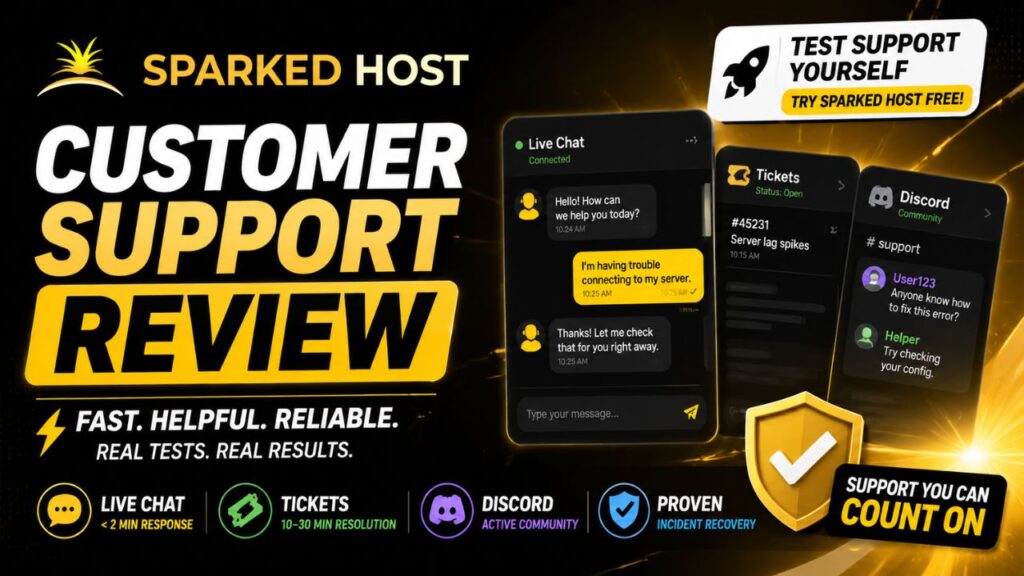
Hosting performance only matters if support shows up when something breaks. This Sparked Host customer support review takes a close look at exactly how fast and how helpful each support channel actually is — live chat, tickets, and Discord.
What Support Channels Are Available
Sparked Host offers three ways to get help:
- Live chat — for quick questions and urgent issues
- Ticket system — for detailed technical problems
- Discord community — for peer discussion and general questions
No phone support is offered. That's standard for a budget-tier host, but worth knowing upfront if phone access matters to you.
👉 Test Support Yourself — Try Sparked Host Free
Live Chat: The Fastest Option
This is where Sparked Host consistently stands out. Live chat response times are frequently reported at under two minutes — genuinely fast for a host at this price point. For urgent issues (server down, can't connect, billing question), this should be your first stop.
Ticket System: Best for Technical Depth
For more complex issues — plugin conflicts, file corruption, migration requests — the ticket system typically resolves queries within 10 to 30 minutes. That's slower than live chat by design, since tickets are meant for problems that need actual investigation rather than a quick answer.
When to use tickets instead of chat:
- Anything requiring a support agent to dig into server logs
- Billing disputes or refund requests
- Migration or data-recovery requests
👉 See the Support Difference for Yourself
Discord Community: Useful, But Not a Substitute
Sparked Host runs an active Discord community where users help each other troubleshoot. It's genuinely useful for general questions and peer advice — but it is explicitly not a substitute for official tickets on anything involving billing, outages, or account migration. Don't rely on community Discord answers for anything tied to your account or payment; go straight to a ticket for those.
What Real Incident Recovery Looks Like
Beyond response speed, the more telling sign of support quality is what happens when things actually go wrong. Recurring feedback mentions support teams successfully restoring backups after accidental file deletions, and helping users recover from griefing-related incidents on Minecraft servers — both situations where a slow or unhelpful support team would do real damage to your community.
For the broader sentiment pattern across all of Sparked Host's reviews — not just support specifically — see our breakdown of is Sparked Host legit.
Pros and Cons
Pros:
- Live chat response time genuinely competitive — often under 2 minutes
- Tickets handle complex technical issues within a reasonable window
- Active Discord community for peer support
- Proven track record on backup recovery and incident response
Cons:
- No phone support at all
- Discord isn't a billing/outage channel — easy to misuse if you don't know the boundaries
- Response times can vary during high-traffic periods, as with most hosts at this price tier
Who Should Expect Good Support Here
Good fit: users comfortable with chat/ticket-based support who want fast answers without needing a phone line.
Not the best fit: anyone who specifically requires phone support as part of their hosting experience — that's simply not part of Sparked Host's model.
If you ever need to request a refund through support, it's worth understanding the policy first — see our refund policy guide so you know exactly what to expect when you open that ticket.
Verdict
For a budget-tier host, Sparked Host's support holds up well — fast live chat, a reasonably quick ticket system, and a genuinely active community layer on top. The lack of phone support is the only real gap, and it's one shared by nearly every provider at this price point.
👉 Try Sparked Host's Support Risk-Free Today
If support quality has been the deciding factor in your research, this Sparked Host customer support review should give you a clear, realistic picture — and the free trial means you can test response times yourself before committing. For the complete picture beyond support, read our full Sparked Host review.